FreeVJ FULL AUTO VJ LOOP

FreeVJ / Loop library / Field

Noise Flow

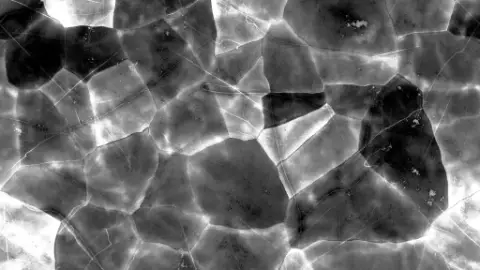
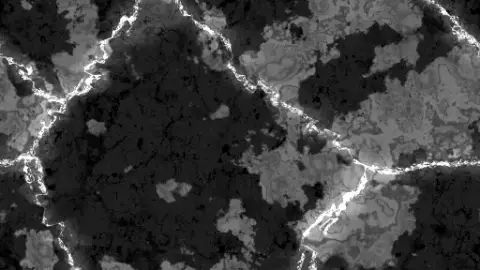
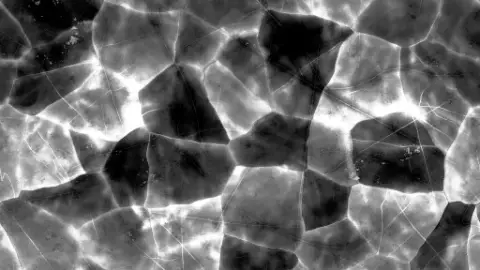
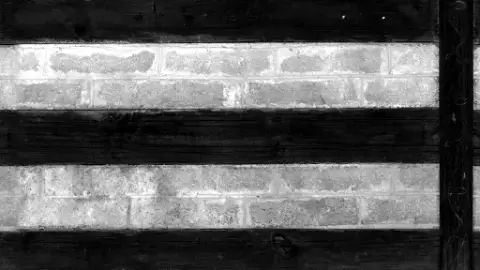
Slow smoke and nebula flow that gains contrast with the energy.
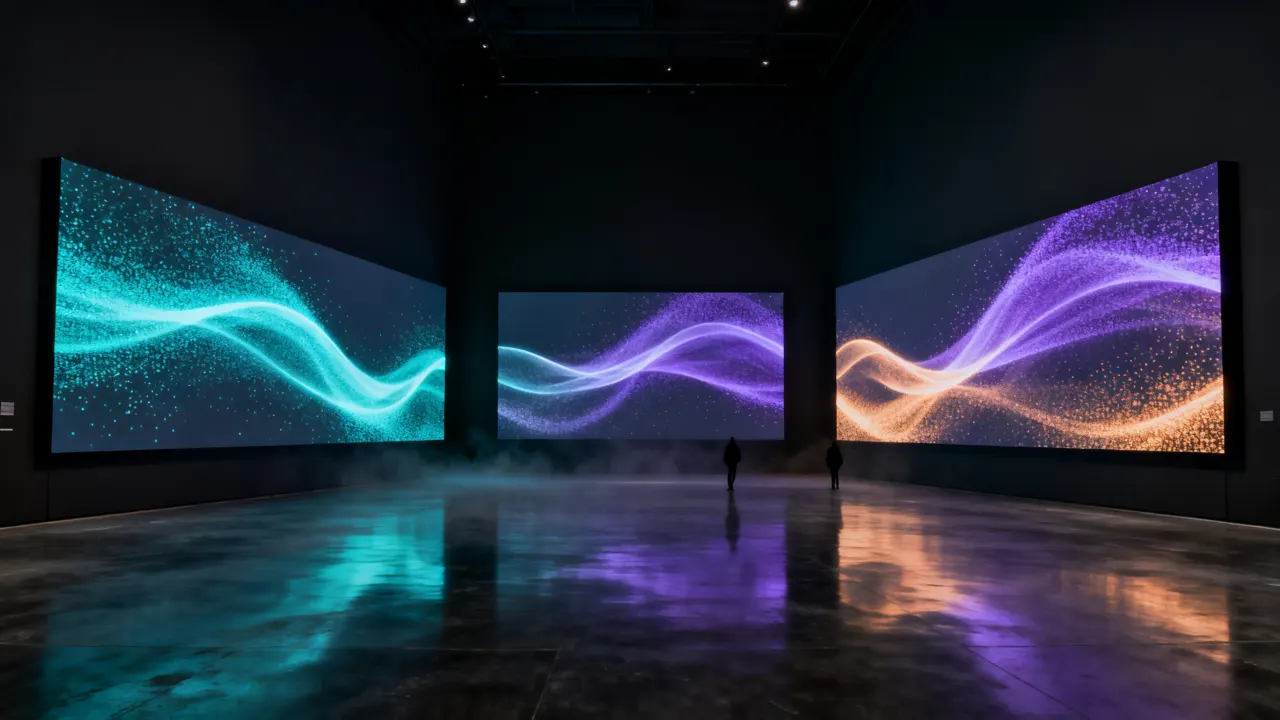
Noise Flow
Play this loop live

Exports are made in this browser and saved directly.

GLSL source

// Domain-warped fbm smoke · nebula. The time offset circles once every 16 beats (seamless). Energy raises the contrast.
vec2 prim(vec2 uv) {
    vec2 p = asp(uv) * uParams.x;
    float t = uBeat * TAU / 16.0;
    vec2 o = vec2(cos(t), sin(t)) * 0.8;
    vec2 q = vec2(fbm(p + o), fbm(p + o.yx + 5.2));
    float n = fbm(p + 1.7 * q + vec2(1.3, 9.2) + o * 0.5);
    float l = smoothstep(0.25, 0.85 - 0.25 * uEnergy, n);
    return vec2(l, l * uParams.y);
}

One vec2 prim(vec2 uv) function using the shared uniform contract (uBeat · uBass · uKick …). It outputs luma and alpha only.
Similar loops

☕ Buy me a coffee

FreeVJ is free. If you enjoy it, support the maker with a coffee's worth of USDT.

USDT · TRON (TRC20) TRC20 network only

TVg11kWumyqNpRU9HXKo8a8u2fa8sdJtKh

☕ 3 USDT☕☕ 5 USDT☕☕☕ 10 USDT

How to send with Binance
  1. Binance app: Wallet › Withdraw › USDT › paste the address (or scan the QR) › network TRC20 › amount › confirm. The address belongs to Binance, so it may go through as a free internal transfer.
  2. Other wallets and exchanges (Trust Wallet, OKX, Bybit …): send USDT on the TRC20 network to the same address. A self-custody wallet needs a little TRX for the fee.

Always send on the TRC20 network. USDT sent on another network is hard to recover.