FreeVJ / Loop library / Shape
Center Pulse
Two centred rings that punch outward on each kick.
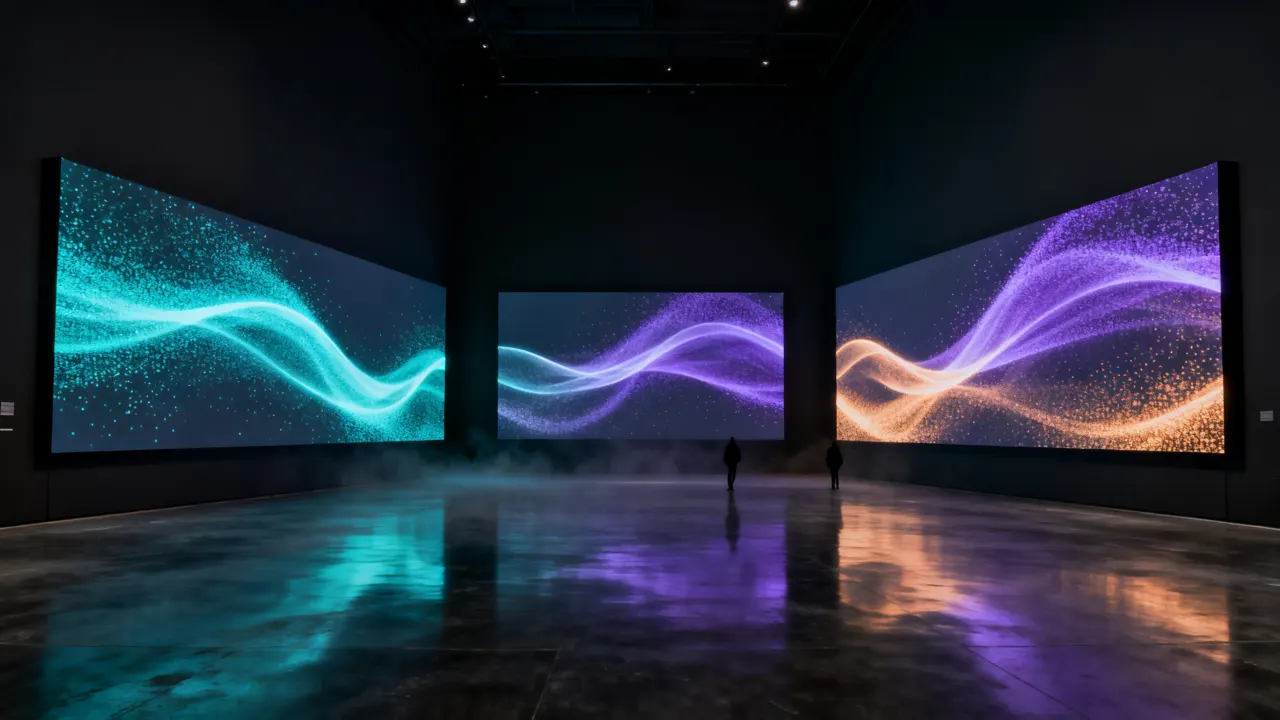
GLSL source
// Two rings in the centre — they kick outward on every kick and breathe with the beat phase (1-beat cycle).
vec2 prim(vec2 uv) {
    vec2 p = asp(uv);
    float r = length(p);
    float r1 = 0.17 + uKick * 0.09 * uParams.x + 0.01 * sin(uPhase * TAU);
    float r2 = 0.29 + uKick * 0.04 * uParams.x;
    float w = 0.006 * uParams.y;
    float l = smoothstep(w * 1.8, 0.0, abs(r - r1)) + 0.6 * smoothstep(w, 0.0, abs(r - r2)) + 0.8 * smoothstep(0.012, 0.0, r);
    l = min(l, 1.0);
    return vec2(l, l);
}
One vec2 prim(vec2 uv) function using the shared uniform contract (uBeat · uBass · uKick …). It outputs luma and alpha only.
Similar loops
Retro Grid
Pattern · A synthwave floor grid rolling toward you one row per beat.
Spectrum Bars
Pattern · An equaliser of bars: lows on the left, mids in the middle, highs on t...
Voronoi Cells
Pattern · Living cell walls that drift and thicken with the mids.
Tunnel Rings
Pattern · Rings rushing toward a vanishing point, thickening on every kick.
Sine Weave
Pattern · Woven sine lines that swell with the mids.
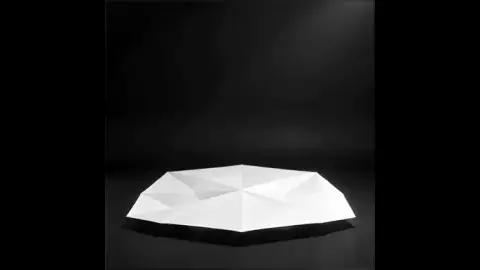
Ai Folding Paper Mask
Sequence · Masks · A white origami mask slowly unfolds flat and refolds on black, edges c...