FreeVJ / Loop library / Particle
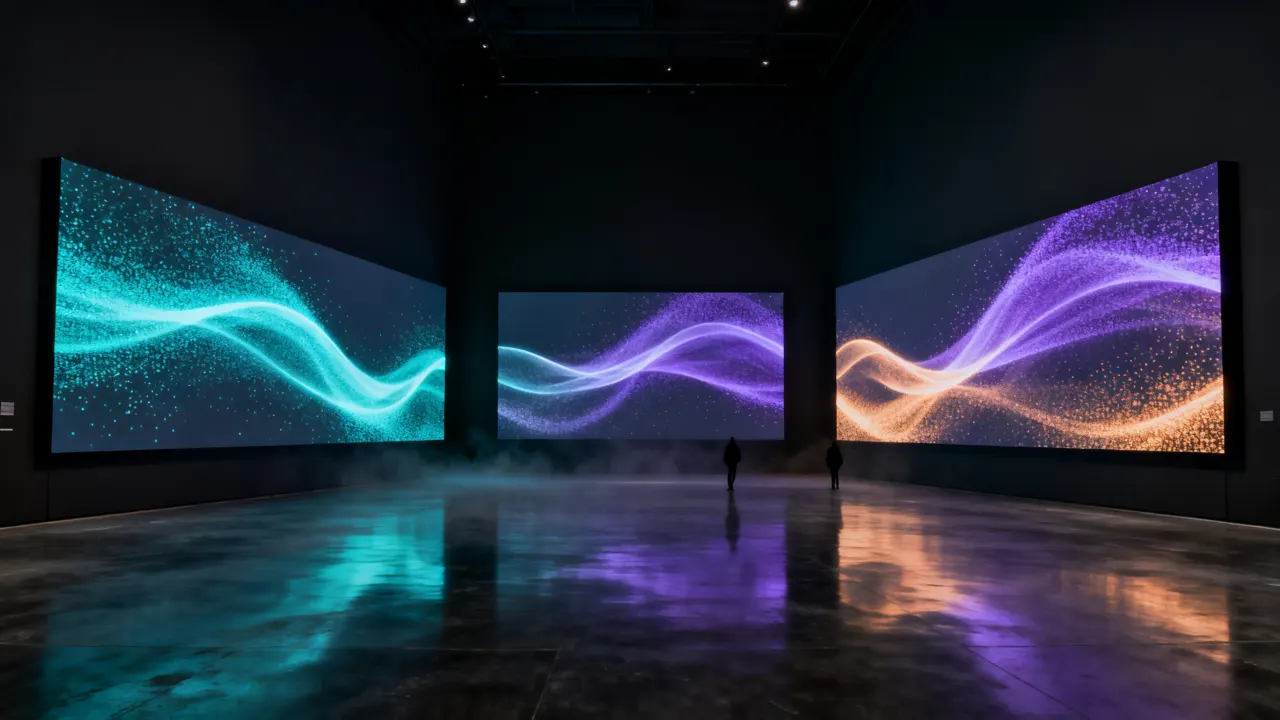
Rising Embers
Embers floating upward, brighter as the energy rises.
GLSL source
// Embers rising from below. Three embers per column rise 1–2 whole times every 4 beats — seamless. Energy brightens them.
vec2 prim(vec2 uv) {
    float cols = floor(uParams.x);
    float aspect = uResolution.x / uResolution.y;
    float col = floor(uv.x * cols);
    float l = 0.0;
    for (int dc = -1; dc <= 1; dc++) {
        float c = col + float(dc);
        for (int k = 0; k < 3; k++) {
            float h = h21(vec2(c, float(k)) + uSeed * 7.0);
            float y = fract(h * 3.7 + uBeat * 0.25 * (1.0 + floor(h * 2.0)));
            float x = (c + 0.2 + 0.6 * h) / cols + sin(y * 12.0 + h * TAU) * 0.012;
            vec2 d = vec2((uv.x - x) * aspect, uv.y - y);
            float size = (0.004 + 0.006 * h) * (1.0 + uHigh * 1.5) * uParams.y;
            l += smoothstep(size, 0.0, length(d)) * (1.0 - y) * (0.5 + uEnergy);
        }
    }
    l = min(l, 1.0);
    return vec2(l, l);
}
One vec2 prim(vec2 uv) function using the shared uniform contract (uBeat · uBass · uKick …). It outputs luma and alpha only.
Similar loops
Liquid Blobs
Field · Metaballs that merge and split, swelling with the bass.
Ambientcg Tiles 074
Texture · Tiles 074
Drift Dust
Particle · Slow drifting dust that sparkles with the hi-hats.

Ambientcg Paving Stones 102
Texture · Paving Stones 102
Polyhaven Wood Inlaid Concrete Wall
Texture · Wood Inlaid Concrete Wall
Ambientcg Painted Metal 016
Texture · Painted Metal 016